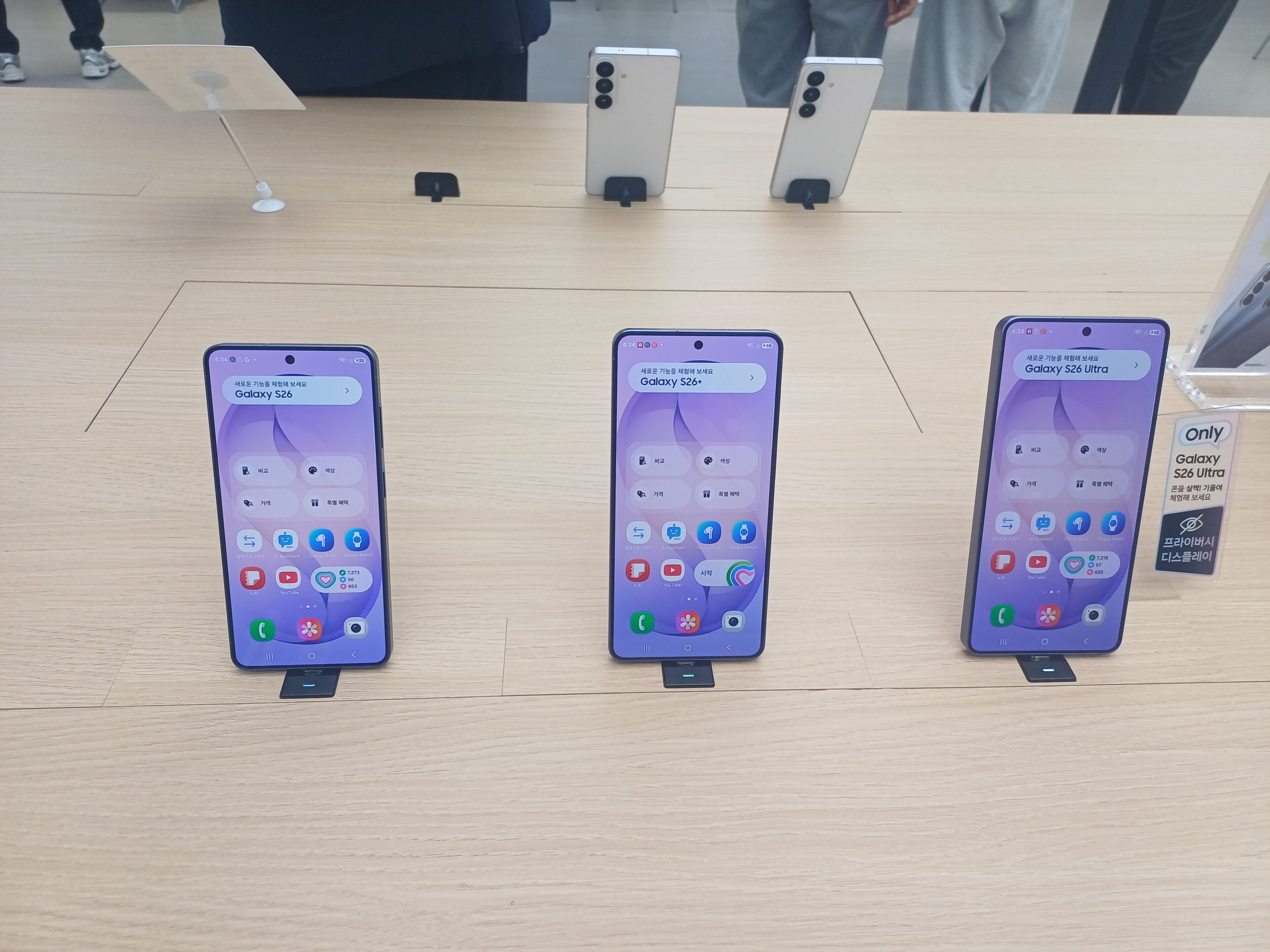
A Galaxy update headline is only useful if it applies to your exact phone. Samsung’s public records are the starting point; availability can still vary by model, market and carrier.
Identify the device first
Record the full model name and the region or carrier. The broader Galaxy S, Z or A family name is not enough to establish which device a report covers. Samsung’s phone lineup and product pages help match a claim to a model.
Check the official update scope
Samsung’s Mobile Security update scope lists models under different update schedules. The schedule is a support policy, not proof that a particular build has reached every phone. Samsung also publishes security information and company announcements through its Newsroom and Mobile Press.
Separate announcement from availability
An announced One UI feature, a beta report and an update offered to your device are three different states. Look for the affected model, software build, country and rollout date before concluding that an update is available. If those details are missing, treat the report as a signal to check rather than a confirmed rollout.
See Fravoria’s source guide for the official pages we monitor.
Editorial review: November 2, 2026. Support schedules and rollout availability can change by model and market. Check the linked Samsung records for the current status.
Photo: Striker9498 / Wikimedia Commons, CC0. Cropped for layout.
