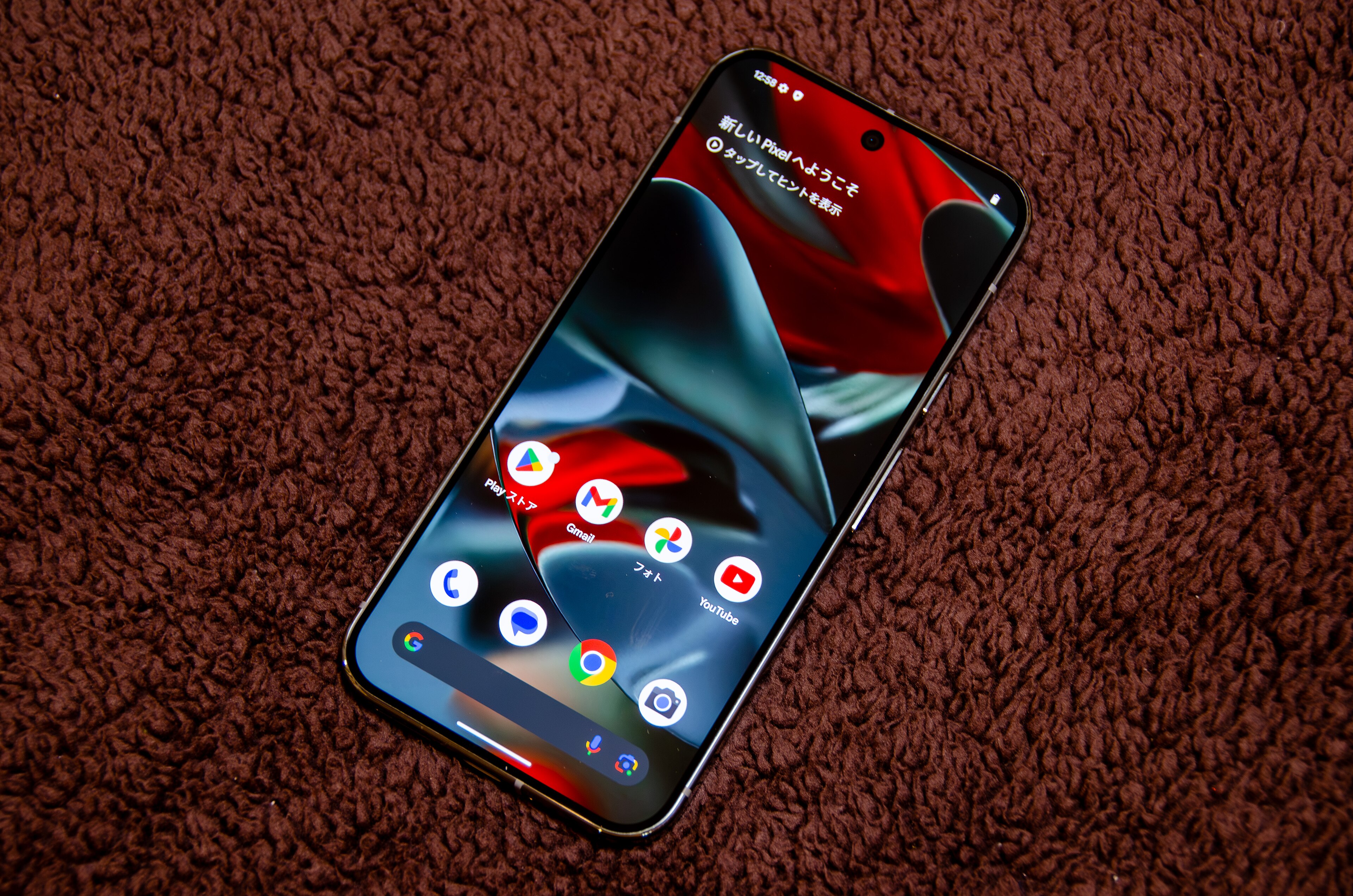
Pixel updates involve a device model, a build and a rollout. Google’s official pages help separate a published package from an update that has arrived on a particular phone.
Start with the exact Pixel model
Use the Google Pixel lineup for current model names and product information. Check Pixel Phone Help for Google’s instructions and support information about the device.
Check the build record
Google’s Pixel OTA images page lists full update packages. Google notes that a build’s release date may differ from its security patch level date. Those are separate facts, and neither alone proves that a rollout has reached every user.
Keep beta and user reports separate
An Android beta observation or a community complaint can be useful radar. Before publishing a broad claim, confirm the affected model, software state and official documentation, then describe any remaining uncertainty.
Find the rest of our official Pixel links in the source guide.
Editorial review: November 2, 2026. Build lists and rollout timing can change. Check the linked Google records for the current device and region.
Photo: D.328 / Wikimedia Commons, CC BY-SA 4.0. Cropped for layout.
