An iOS version number alone does not tell you which iPhones are affected or what changed. Apple’s own support and security records provide the most direct starting point.
Find the release record
Apple’s security releases index lists software releases and links to their security details when Apple has published them. Check the release date and the “available for” device list before applying a headline to your phone.
Use support for the practical steps
The iPhone Support hub points to Apple’s current update, backup and troubleshooting guidance. The iPhone product pages are useful for model names and specifications; marketing descriptions remain Apple’s claims unless independently tested.
Read rumor coverage differently
A supply-chain post, forum thread or leaked image may suggest a future change. It does not confirm a product or its availability. Fravoria labels such material as unverified and checks the original document or first-party announcement when one exists.
Our source guide keeps the official iPhone links together.
Editorial review: November 2, 2026. Security details and device availability can change. Check the linked Apple records for the current release.
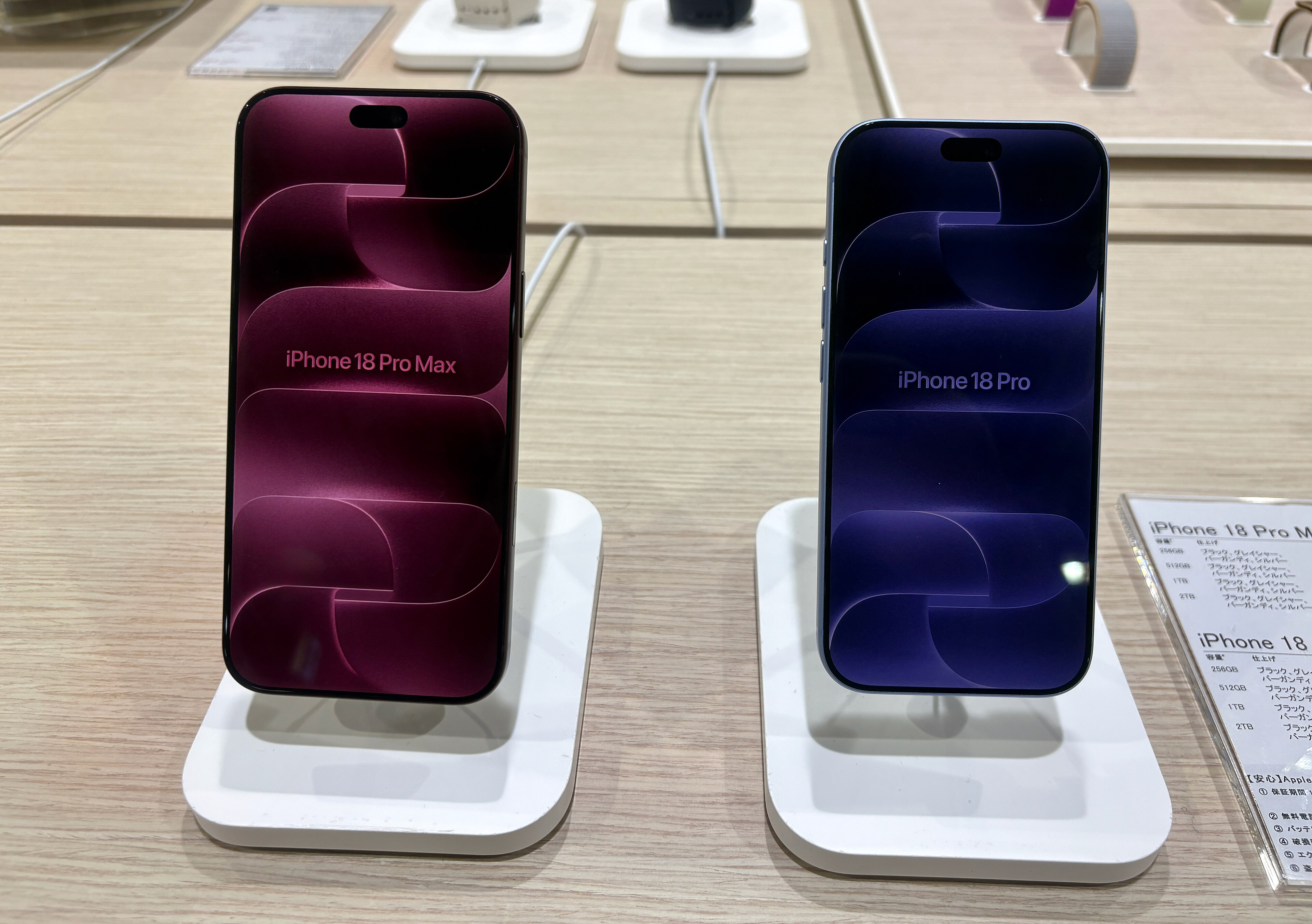
Photo: Kyu3a / Wikimedia Commons, CC BY-SA 4.0. Cropped for layout.
