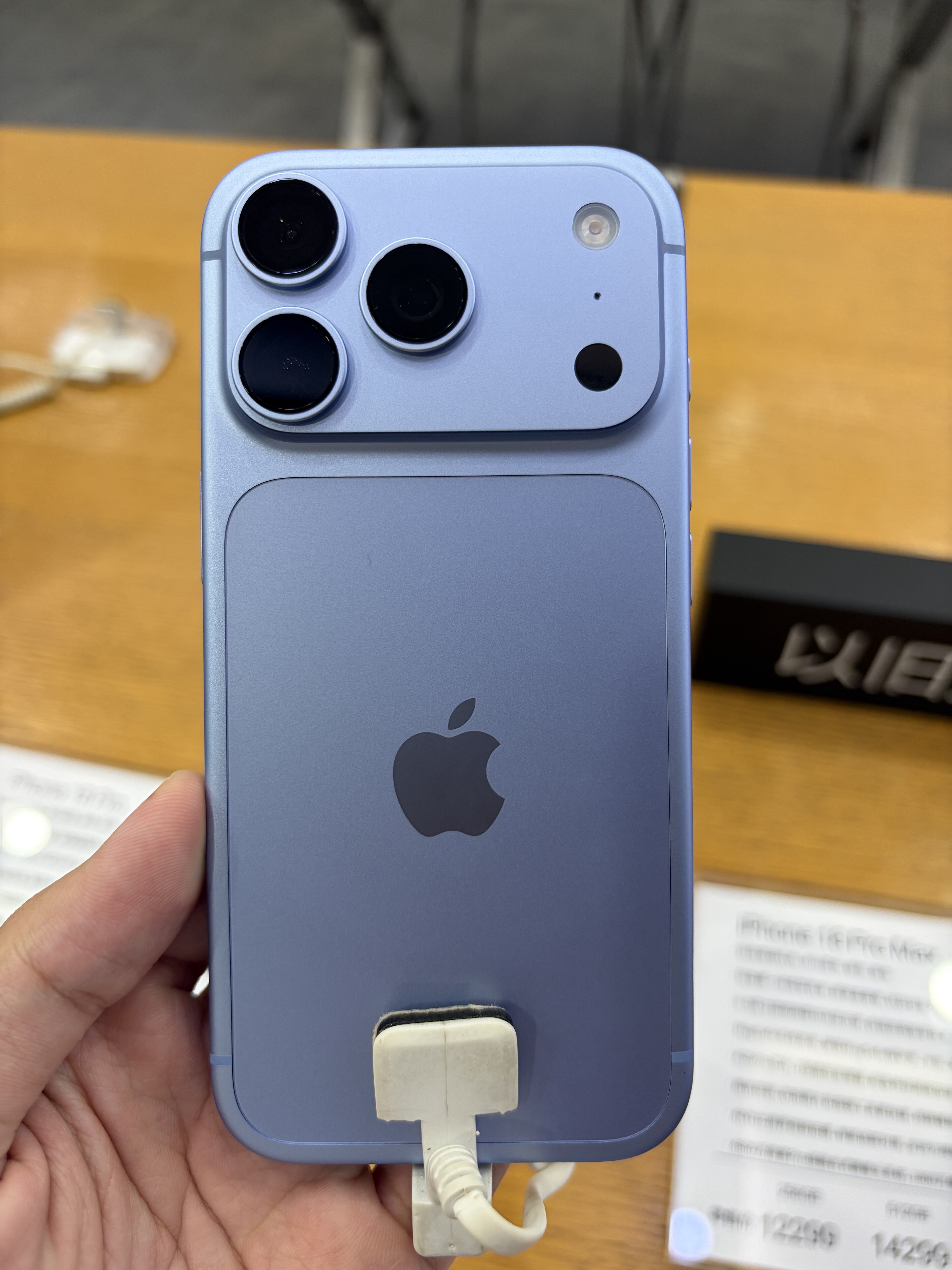
Apple released Final Cut Camera 2.4 on September 29 with support for the iPhone 18 Pro’s variable-aperture main camera. It gives videographers more direct exposure and focus controls, but the feature list should be read as a workflow change rather than a measured improvement in every scene.
The iPhone-specific change
Apple says iPhone 18 Pro users can dial in the main camera’s aperture in Final Cut Camera or use aperture-priority and shutter-priority modes. Aperture affects how much light enters the lens and, with other factors, how a scene’s depth of field appears. The company does not claim that every iPhone model has a variable-aperture lens; this control is tied to the iPhone 18 Pro hardware.
Controls beyond aperture
The Final Cut Camera 2.4 announcement lists shutter angle, ISO, white balance, false-color and clipping overlays, improved focus peaking, and a recording tally light. With iOS 27, Apple also describes video scopes, clean SDI output and genlock offset. These options target monitoring and multi-camera workflows; they do not automatically make a handheld clip look cinematic.
More latitude in editing
Apple says the update allows Cinematic-style focus and depth-of-field changes in Final Cut Pro for regular video, including ProRes and Apple Log footage. That is a post-production option. Creators still need to check the recording format, storage needs and edit path that fit their project before relying on it.
What to verify before a shoot
Confirm the iPhone model, iOS version and Final Cut Camera app version, then test the actual capture and export path you plan to use. Apple’s announcement documents available controls; Fravoria has not independently measured image quality, thermal limits or sustained recording performance.
Primary sources
Checked November 2, 2026. This is an explainer based on Apple’s September 29 release, not a new app launch on November 2.
Photo: 茅野ふたば / Wikimedia Commons, CC BY-SA 4.0. Cropped for layout.
